Connections on a map
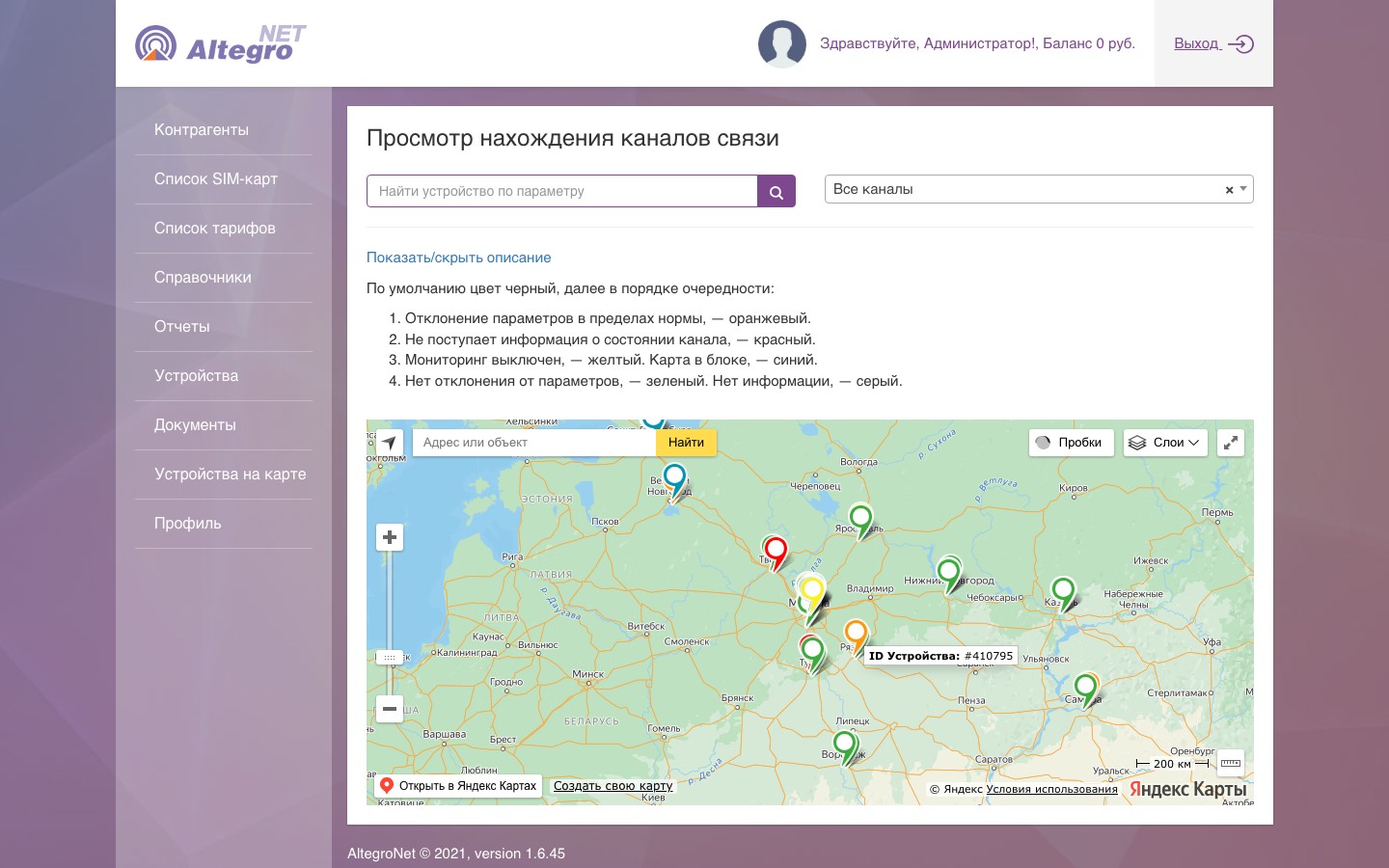
Every device on Yandex Maps, the marker colour shows the channel state: normal, parameters off, no data for over 10 minutes, monitoring off, card blocked. A filter by client, search by device number or IP, and the current signal parameters in the marker's card.
The engineer on duty sees problem sites across the country on one screen.
SIM card register
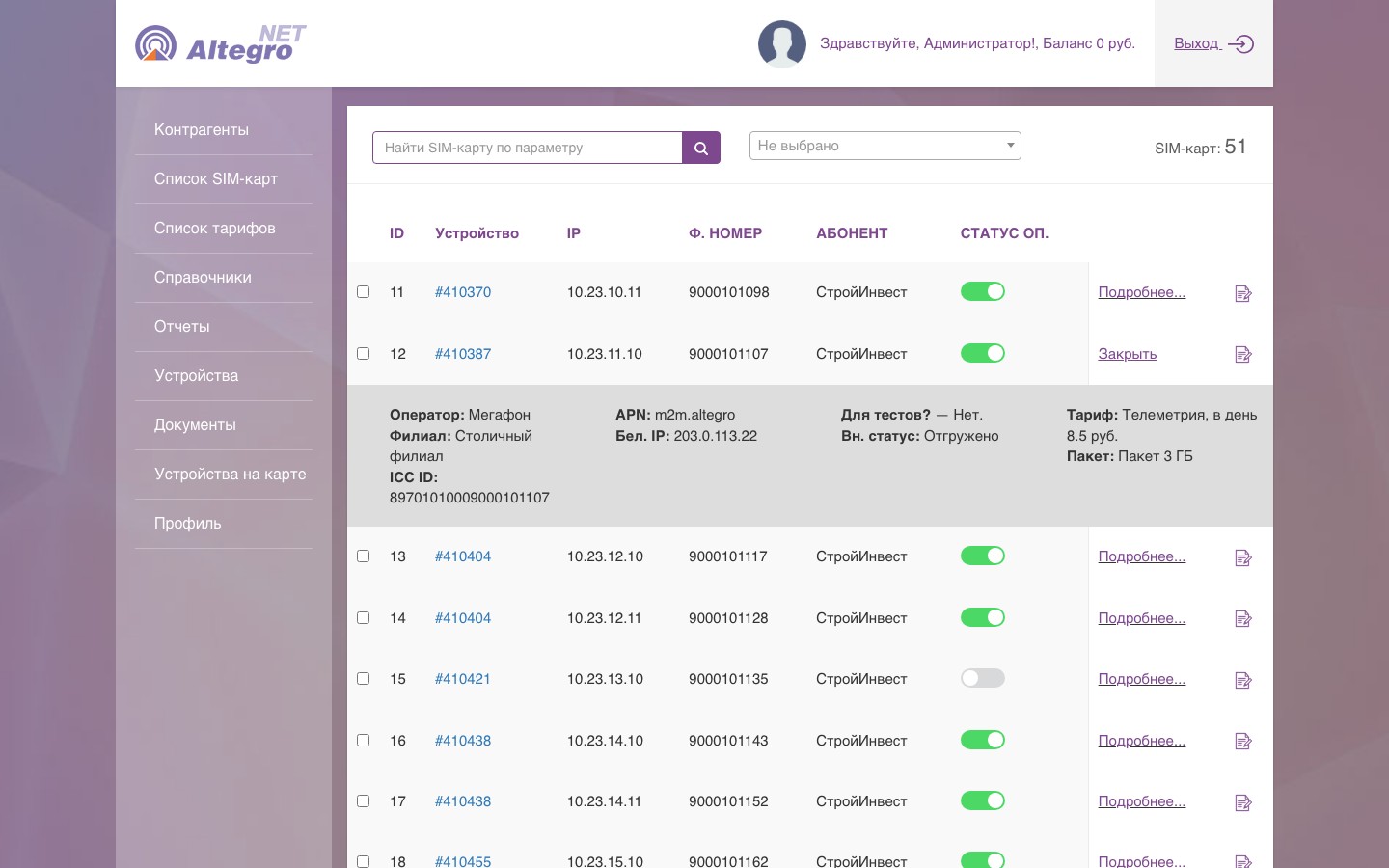
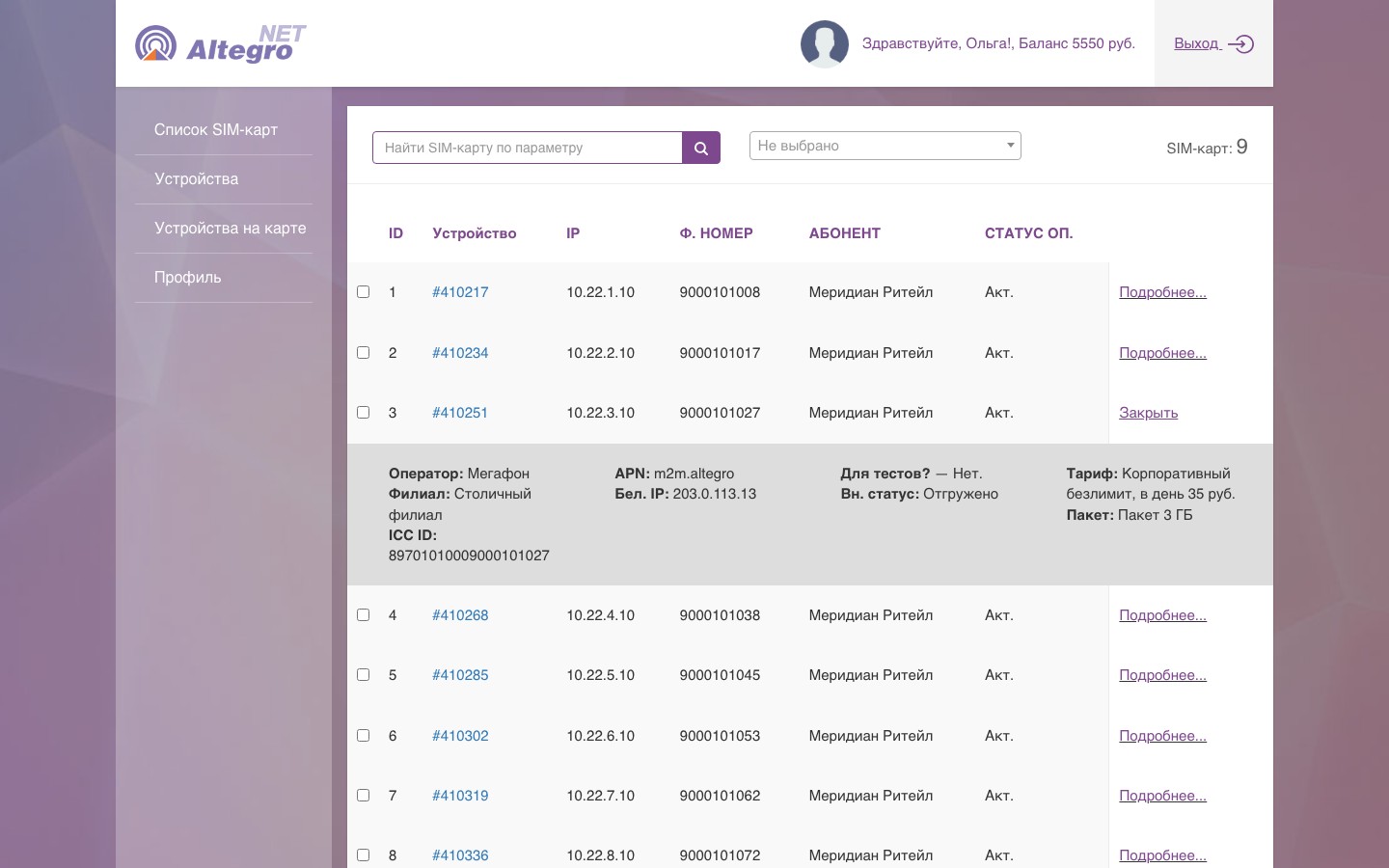
Device, IP, phone number, client and carrier status; a toggle in the row blocks or enables the card at the carrier. The expandable row shows the carrier, branch, ICCID, APN, public IP, tariff and package. Search by any parameter and a filter by client.
Cards are switched off and on from the list, without logging into the carrier's portal.
Connection card
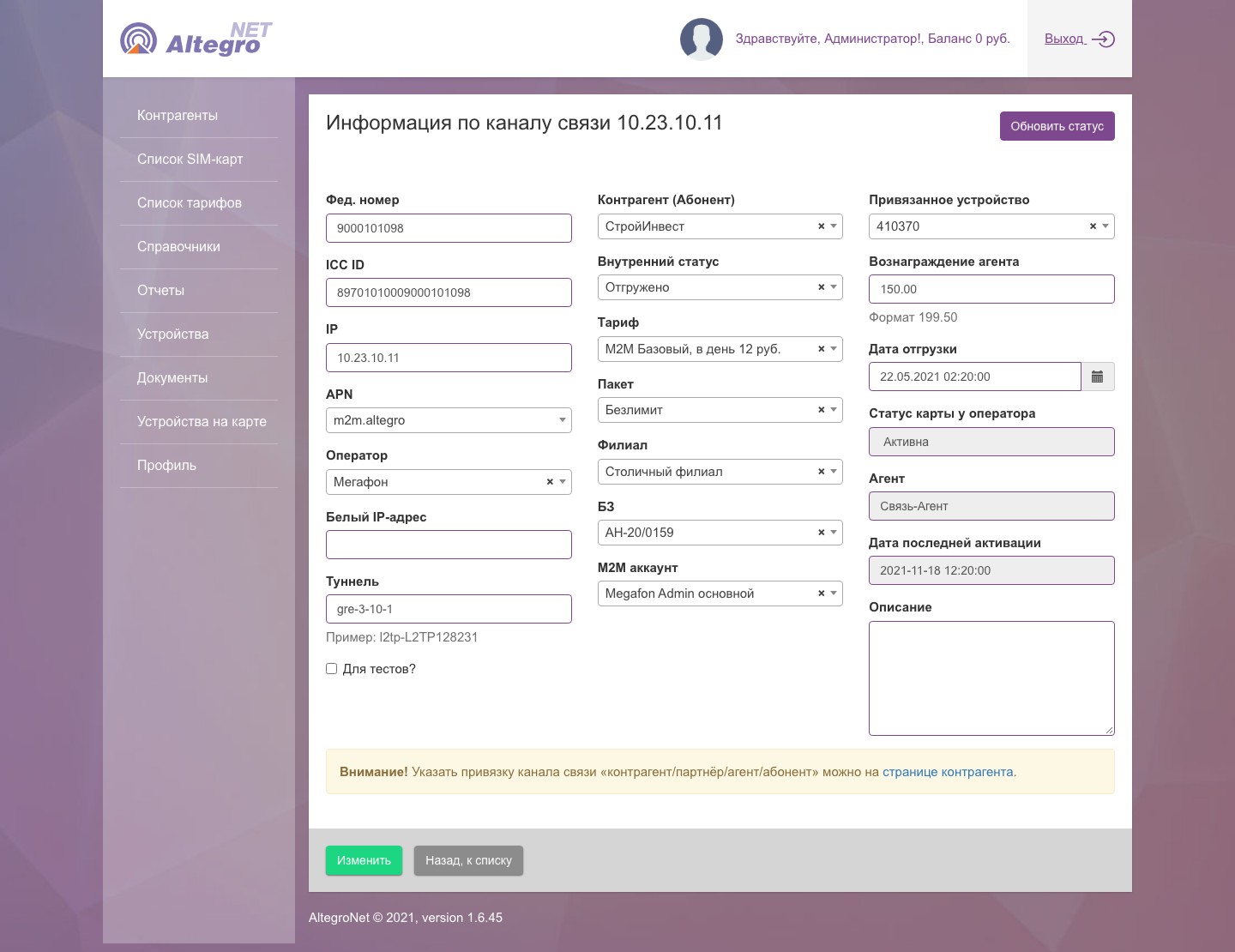
Everything about a SIM on one screen: numbers, IP, APN, tunnel, tariff, package, contract, M2M account, linked device, agent reward. The carrier status and the date of the last activation; the “Refresh status” button asks the carrier right away instead of waiting for the scheduled check.
The answer to a client's “why is it down” is in one card.
Device card
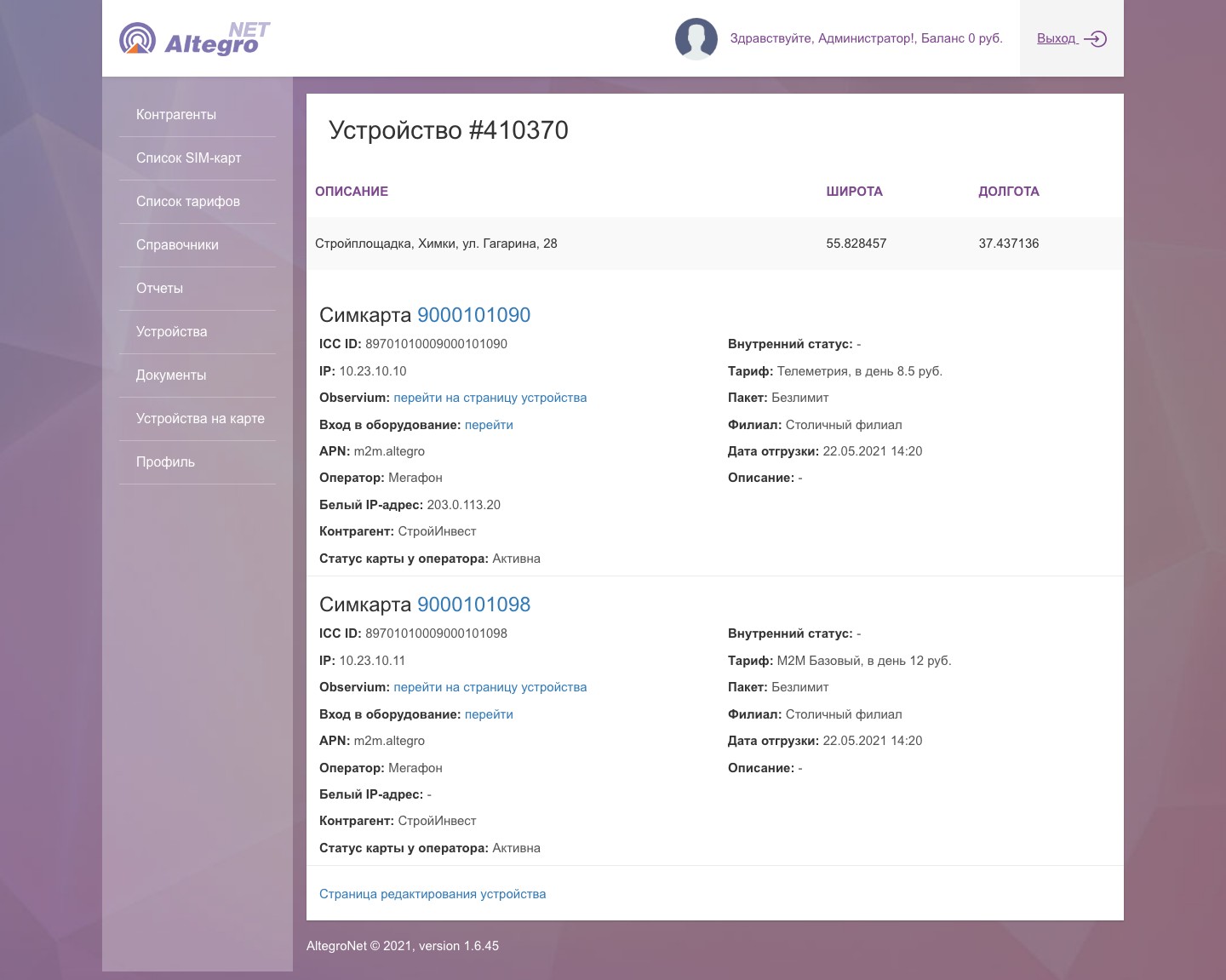
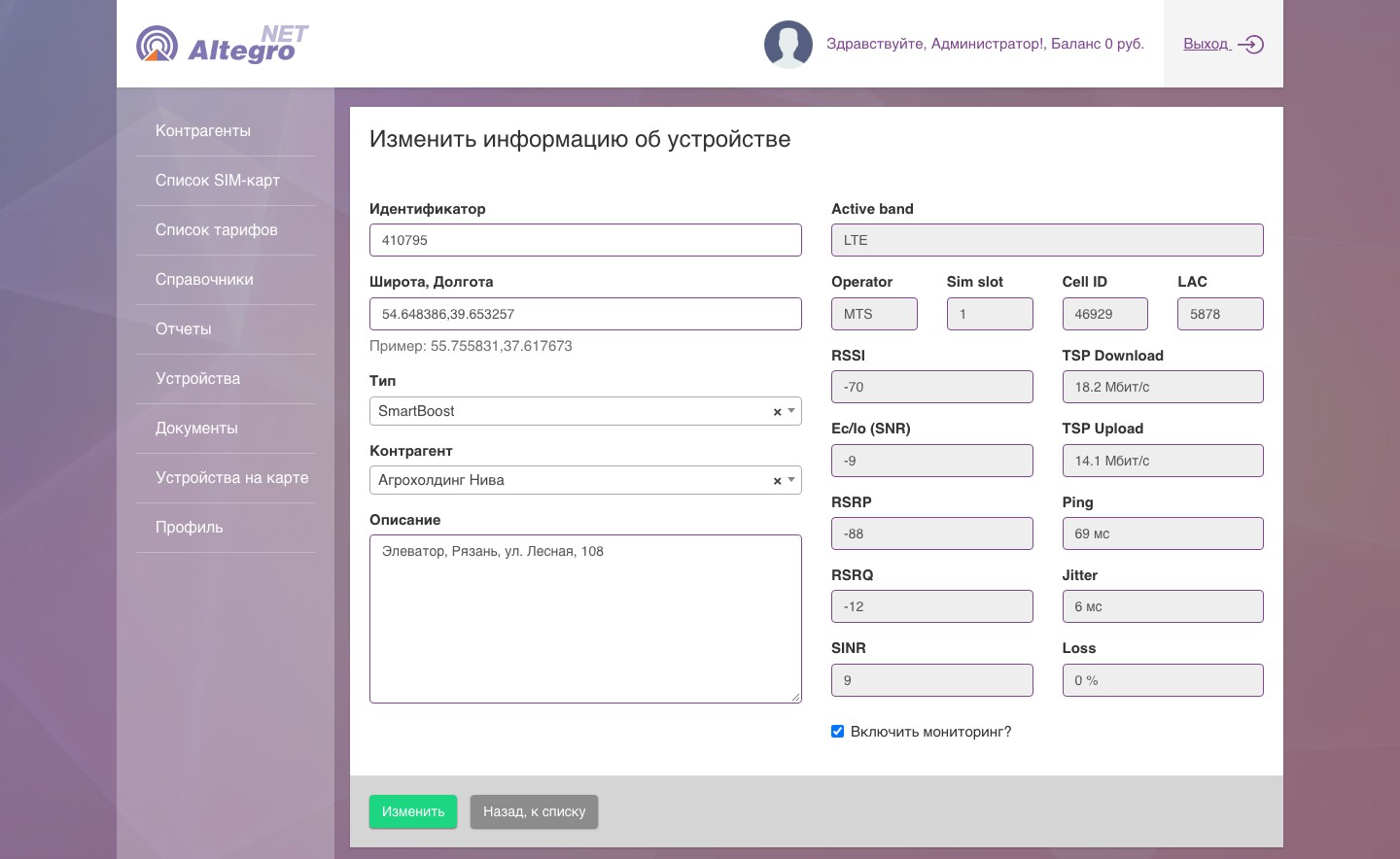
The site's description and coordinates, all SIM cards of the device with their statuses. From the card: the device page in Observium and the equipment's web interface via its internal or public IP.
Router settings and traffic graphs are one click away.
Signal parameters and monitoring
Devices report network parameters: band, cell, LAC, RSSI, Ec/Io, RSRP, RSRQ, SINR, carrier, SIM slot, uptime. On first start the reference values and speed, ping, jitter and loss measurements are recorded; when the signal drifts from the reference beyond a threshold, the site turns orange, and when it stays silent for over 10 minutes, red. Older models are polled by the dashboard itself every five minutes.
A degraded channel shows up before the client calls.
Clients and roles
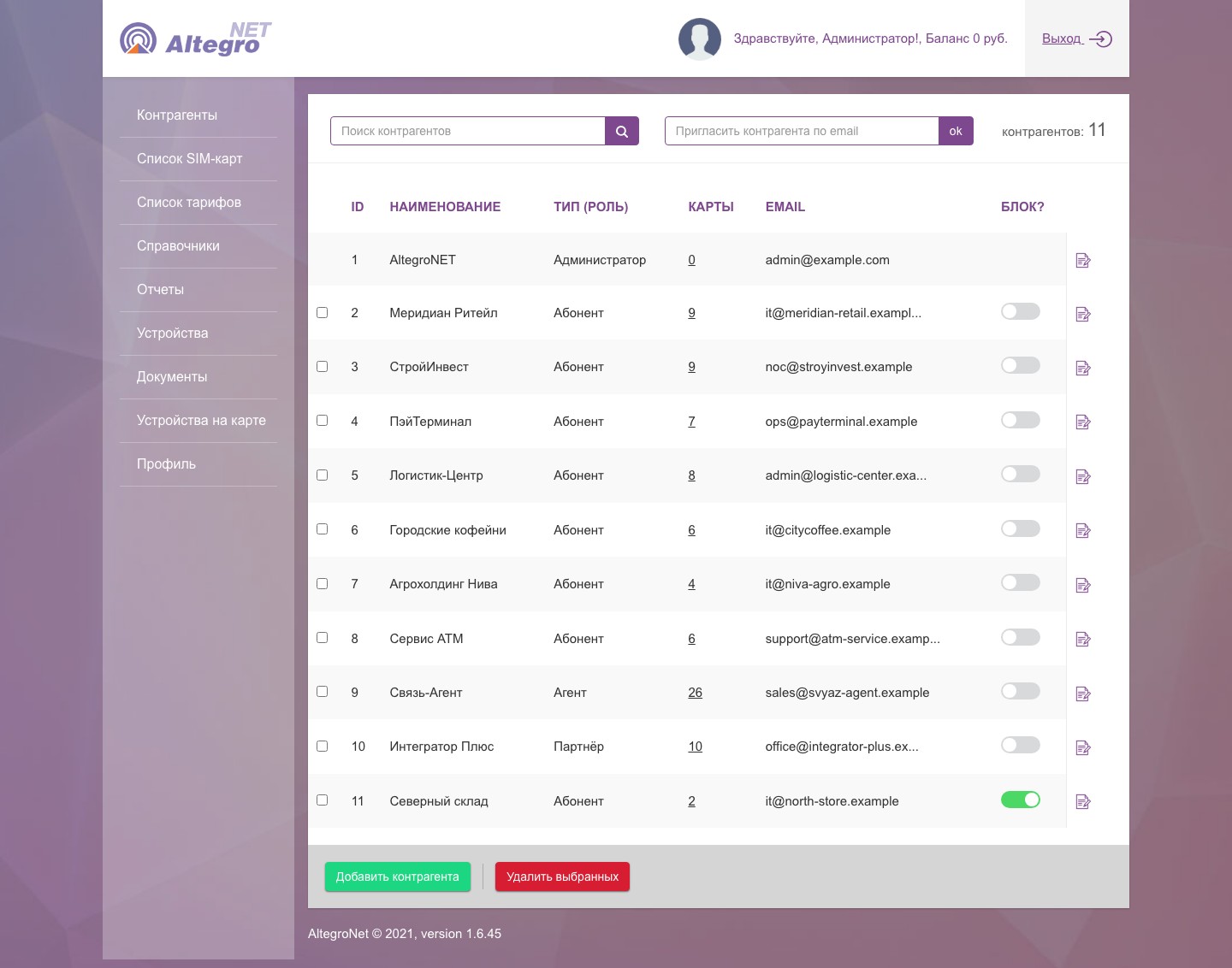
Subscribers, agents and partners in one list: role, number of cards, a blocking toggle, an invitation by email. Each role sees its own: an agent sees their clients' cards, a subscriber only their own.
Access comes with a role, not a separate setting per person.
Balance, contracts and reports
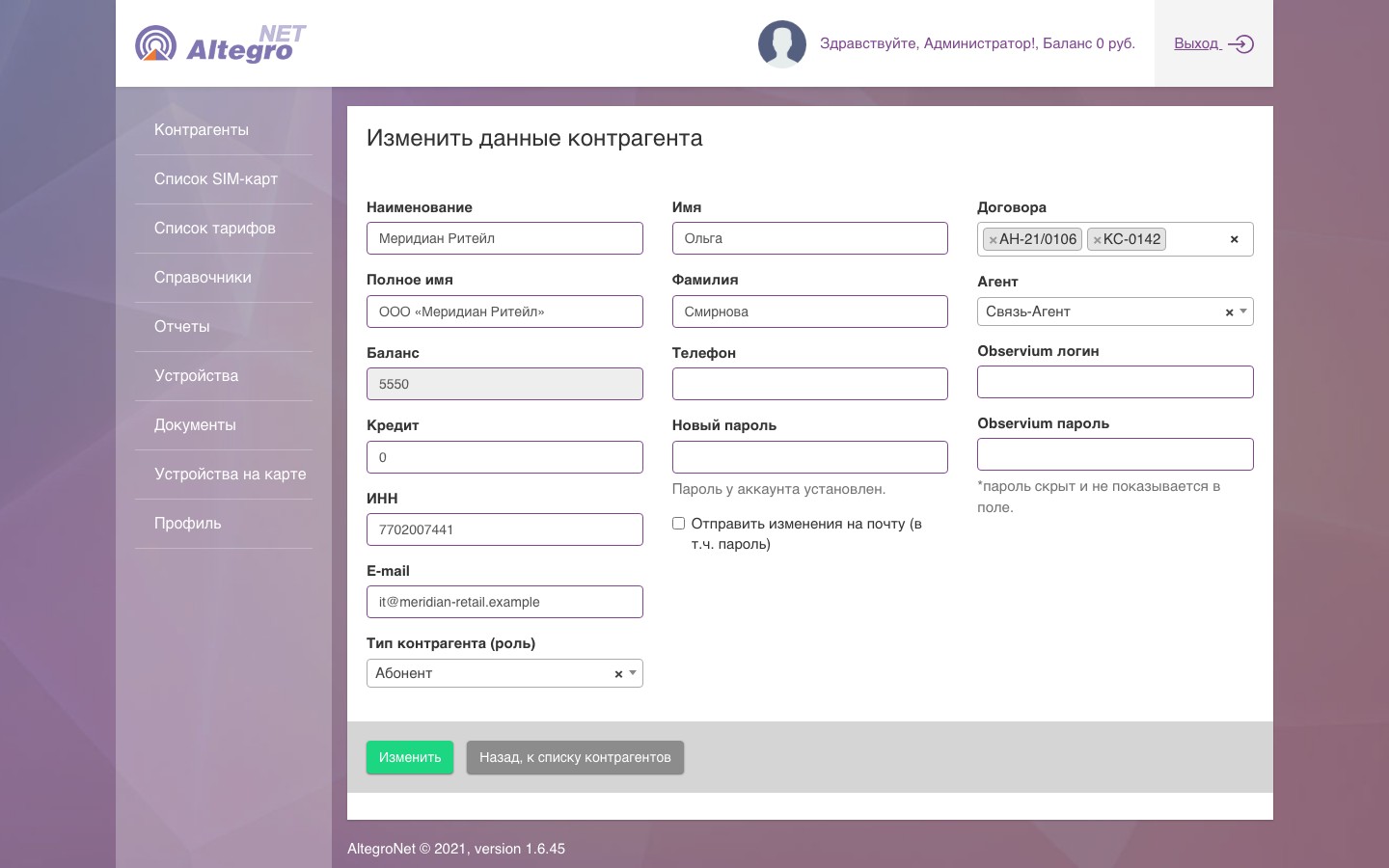
Every night the dashboard charges the daily fee for each card's tariff; a client's balance adds up from charges, top-ups and a credit limit. The card holds contracts, the agent and Observium access. Excel reports: full, by device, by client, agent payouts, by partner, by IP.
Subscription fees and agent rewards are calculated without manual spreadsheets.
Subscriber dashboard
A client logs in with their own account and sees only their SIM cards, devices and their sites on the map; the balance is in the header on every screen.
Clients check their channels and account balance themselves.
Wi-Fi identification by phone call
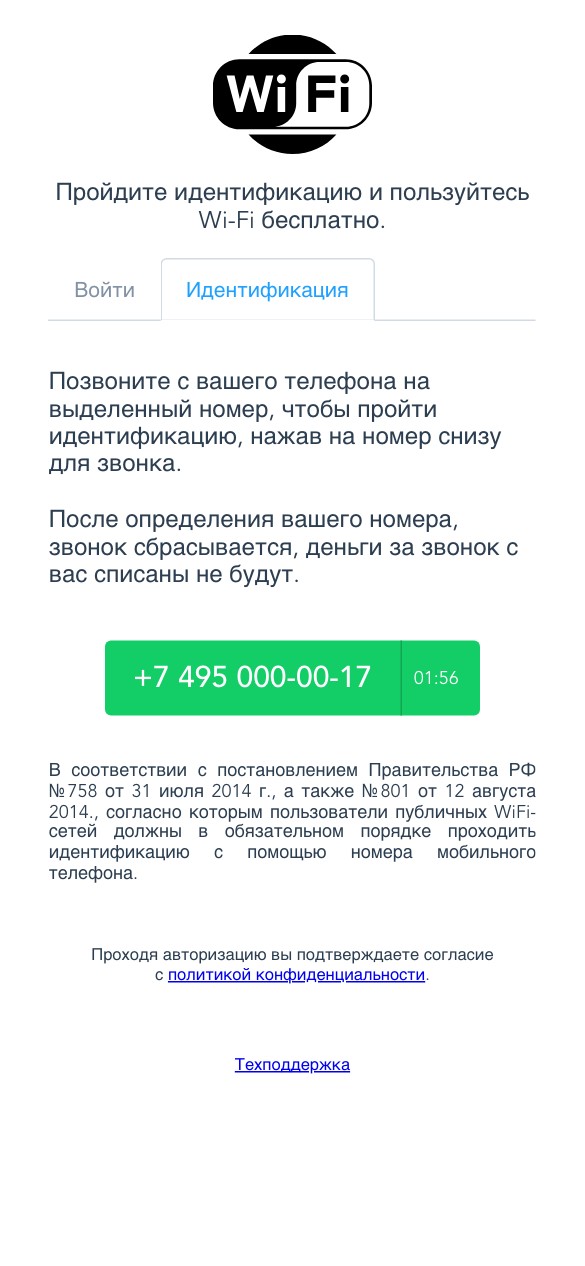
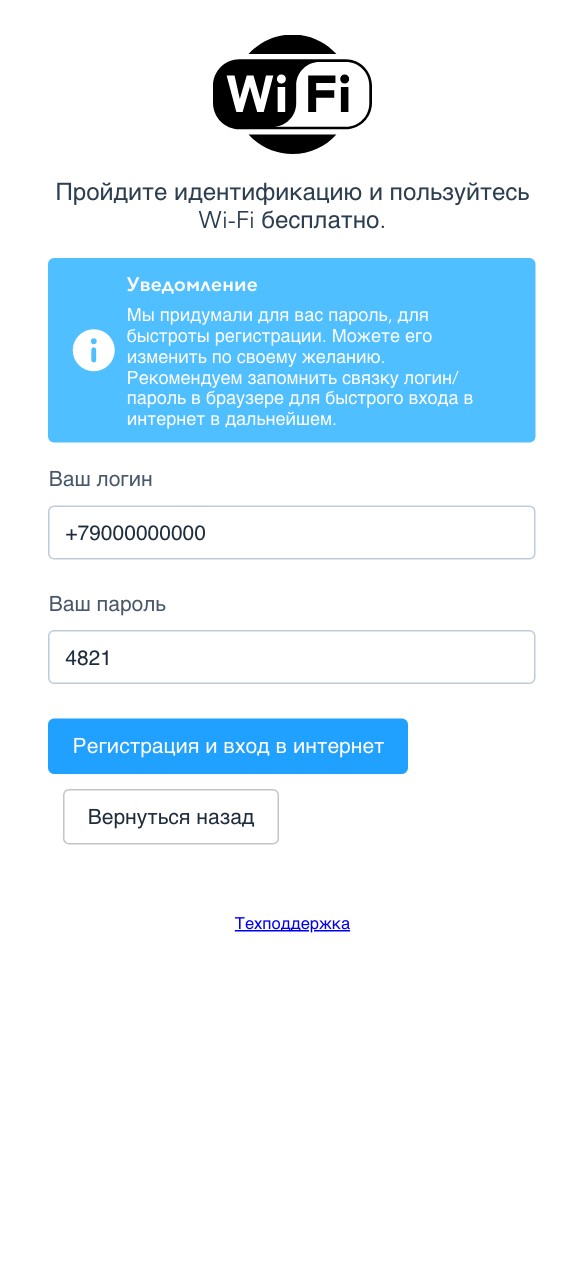
The hotspot page on a MikroTik router gives the user a number for two minutes. They call, the call is dropped free of charge, the service gets their number via Voximplant and creates a login (the phone number) and a four-digit password in RADIUS. The password can be changed, and later the user signs in from the “Sign in” tab.
The public network meets the identification requirement, and the user gets a login and password right after the call.